
Quickstart
You need two things: the Pidge app on your iPhone (or Mac), and an agent with a shell
(Claude Code, a terminal, a cron job — anything that can run npx). Node ≥ 18; nothing to install
globally.
1. Create a channel in the app
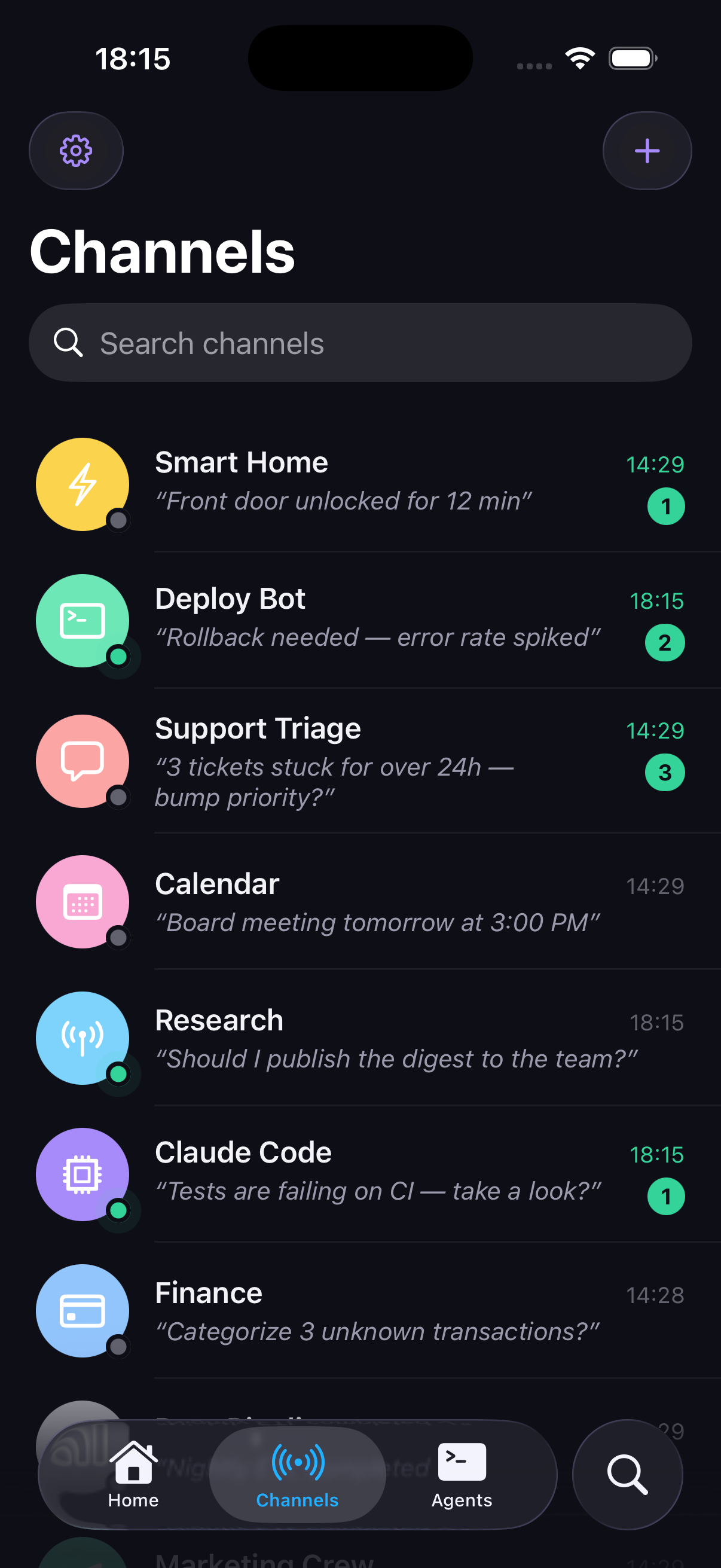
Section titled “1. Create a channel in the app”Each agent gets its own channel — a named identity with its own key, color, avatar and delivery policy. In the app: Channels → New channel, then tap Copy setup prompt.
The prompt carries a single-use claim code (15-minute TTL) — never the key itself. Paste it into your agent’s chat or terminal.
2. Set up the agent
Section titled “2. Set up the agent”npx pidge-cli setup --claim AB12-CD34 --url https://api.pidge.shsetup exchanges the code for the channel key server-side, stores it in a config file
(mode 600), and runs a health check. The secret never appears on screen or in the chat —
the CLI writes it for you. Run it inside your project: since pidge-cli 0.43 the key is
scoped to that git project (~/.config/pidge/projects/<hash>/env), so agents in different
projects never collide; outside a project it falls back to the shared ~/.config/pidge/env
(--global picks that explicitly, for daemons and cron).
npx pidge-cli doctor # validate anytime: env source, server, key, "channel X · N devices"npx pidge-cli hello # first contact: a live-narrated handshake you confirm on the phonehello is worth running once: the server narrates a 3-stage Live Activity on your lock screen
(connecting → tap to confirm → done ✓) so you see the agent → human → agent loop close. Under
Claude Code, setup also writes the skill and a SessionStart hook (pidge presence).
3. Send something
Section titled “3. Send something”# Just inform — clears when you open it (unless you turn "Done when read" off):npx pidge-cli message --title "Build green" --body "2m12s"
# A pendency to resolve — the recommended default type:npx pidge-cli important --title "Review PR #42" --url "https://github.com/you/repo/pull/42"
# Send AND block until the human answers:npx pidge-cli ask --title "Approve deploy?" --actions yes,no --timeout 600ask prints the chosen action as JSON on stdout and exits 0:
{ "kind": "acted", "action_id": "yes", "label": "Yes", "text": null, "at": "2026-07-11T18:19:51Z", "snooze_until": null }Most answers come straight from a lock-screen banner — measured tap-to-agent latency is about one second.
4. Let the human start conversations too
Section titled “4. Let the human start conversations too”The human can message the agent first, from the channel’s conversation in the app. The agent consumes those with:
npx pidge-cli listen # block until a message arrives, print it as JSON, exit 0npx pidge-cli ack --up-to <id> # mark handled (green ✓✓) — after doing the workThat is one round. To stay on the line for the whole session under Claude Code, the agent runs the
watch — npx pidge-cli online --follow --ndjson --timeout 0 under the harness’s Monitor tool — and
you see it offline when the session ends, like any messenger. The full operating path for the
agent (hello, contract, the watch, selftest, the baton) is the Claude Code guide;
mechanics in Waiting & receiving.
Where next
Section titled “Where next”- How Pidge works — types, response axis, ceilings, one-and-done.
- Sending — all five types, buttons, media, scheduling.
- Claude Code — the operating path: setup, hello, the watch, selftest, the baton.
- Running more than one agent on the same machine? Read
Multiple agents before the second
setup— identities are per-agent.